Stop Nuisance Trips, Keep the Line Running: Troubleshooting & Maintenance for Photoelectric Press Guards (DAIDISIKE DQS Series)
This practical guide helps manufacturing teams stabilize production with DAIDISIKE® DQS photoelectric safety guards on stamping and forming presses. It covers root-cause diagnosis of false trips, mitigation for oil mist and reflections, parameter tuning and a preventive-maintenance schedule that raises OEE while meeting safety expectations.
TL;DR · Production-ready checklist
Align & secure: verify beam alignment marks and tighten mounts to torque spec; re-check after the first hour of production.
Tame reflections: angle the receiver / emitter 2–5° off parallel; fit matte shields around highly reflective stock or die faces.
Beat oil mist: keep a clean-lens policy; consider anti-fog lens covers or an air knife if mist density is high.
Harden the circuit: clean ground, proper shield termination and stable 24 VDC supply (± 10 % max ripple).
Tune response: use DQS response filtering conservatively (5–10 ms) to suppress chatter without masking hazards.
Prove the function daily: run the block test and OSSD stop test at start-up; log results.
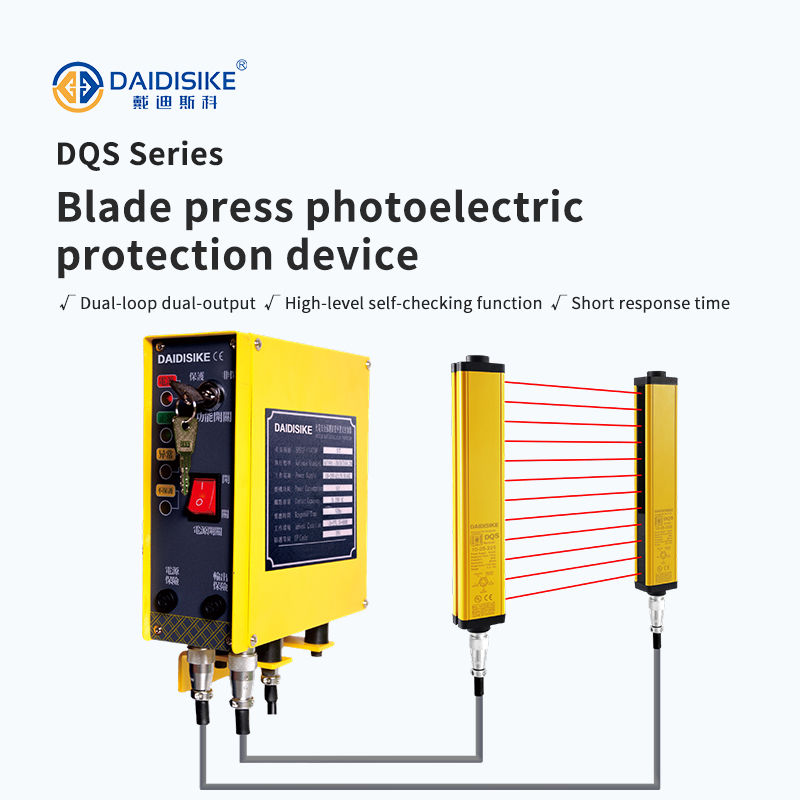
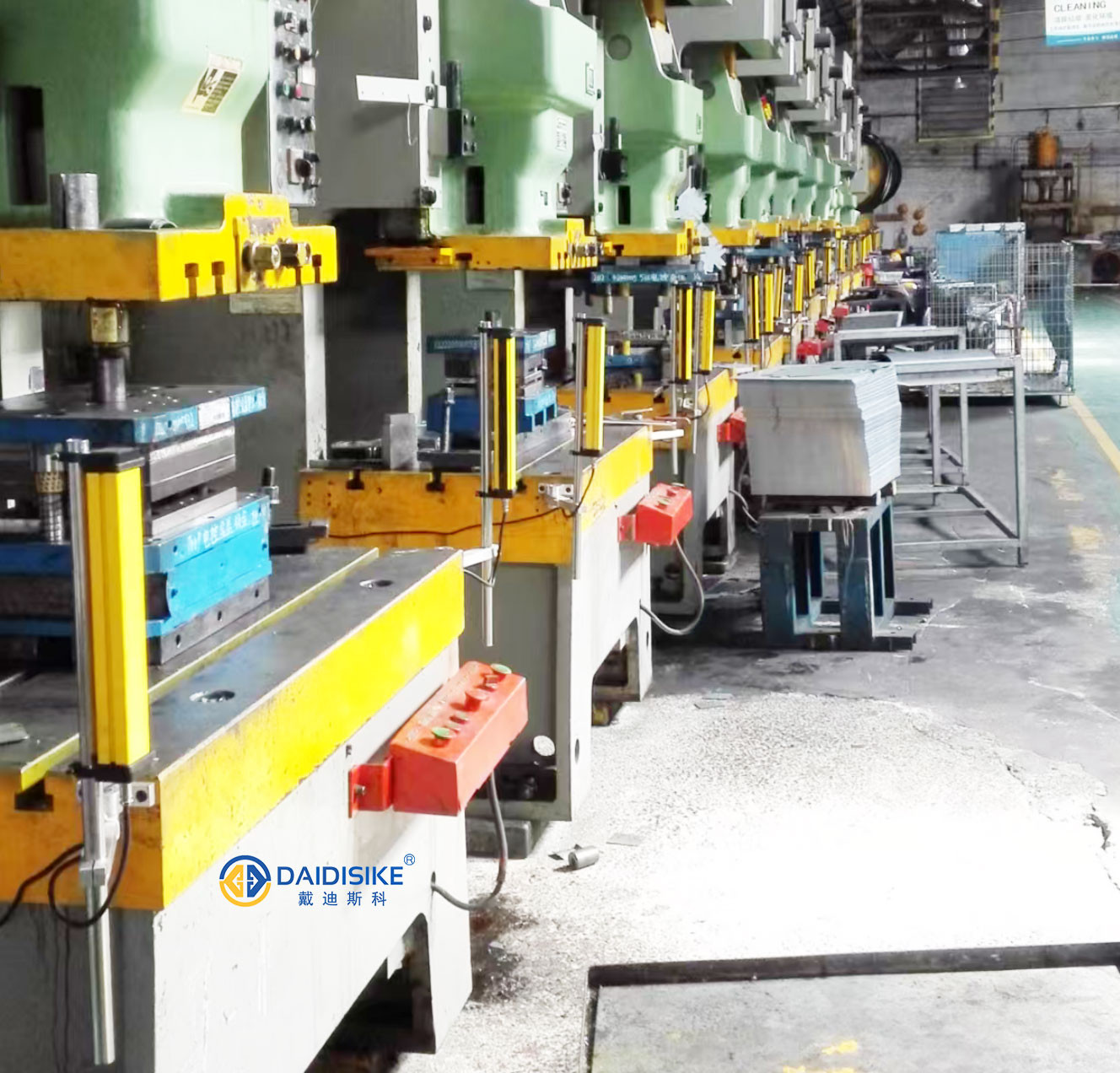
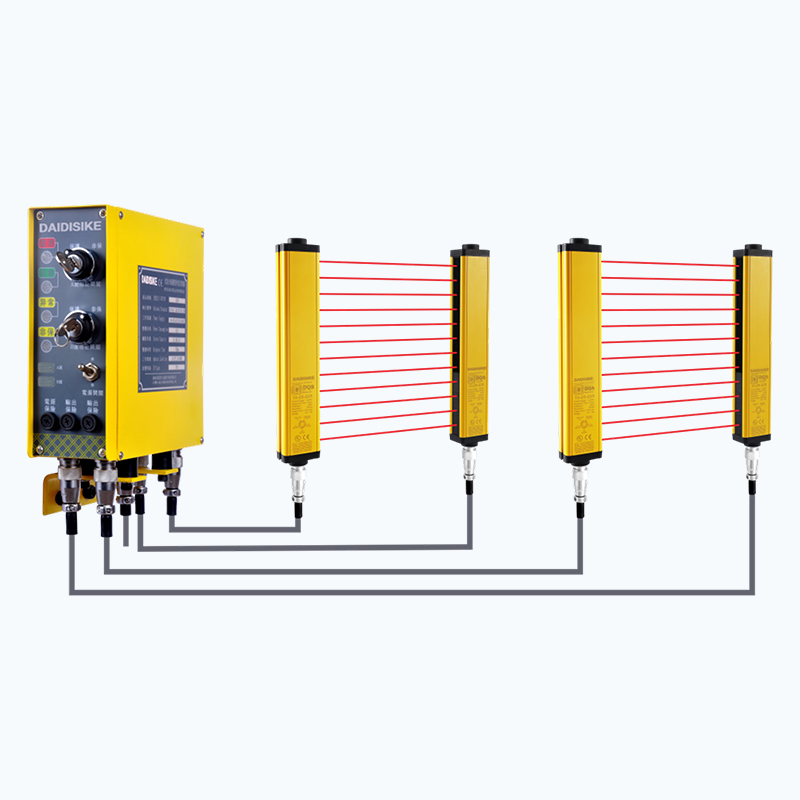
Typical electrical protection layout on a punch press line with photoelectric guarding.
1) Typical Root Causes of Nuisance Trips
Specular reflections & stray light from polished material, die faces or nearby light sources re-enter the receiver path and simulate beam interruptions.
Oil mist & debris gradually reduce received intensity and cause intermittent beam loss.
Mechanical drift (vibration, loose brackets) moves optics out of alignment during high-speed runs.
Electrical noise / grounding: shared returns, long unshielded runs, VFD noise coupling into OSSD or 24 VDC rails.
Over-aggressive sensitivity or too-fast response in a turbulent environment (air jets, bounce, fine scrap).
2) Ten-Minute Diagnosis Workflow (Before You Touch Parameters)
Visual & alignment check — Confirm emitter / receiver indicators show full scale or “aligned”. Sight along the housing; ensure no die features protrude into the beam window.
Wiggle test — Lightly bump the frame by hand; if indicators flicker, tighten mounts and add braces; inspect for bent uprights.
Torque & witness marks: paint-pen the fasteners; re-verify after warm-up.
3.4 EMC & Power
Star ground for safety devices; keep OSSD returns separate from high-power returns.
Shielded cable with drain bonded at controller end; avoid parallel runs with motor leads (keep > 200 mm separation, cross at 90°).
Clean 24 VDC: regulated PSU sized to inrush; add input filtering if VFD noise is present.
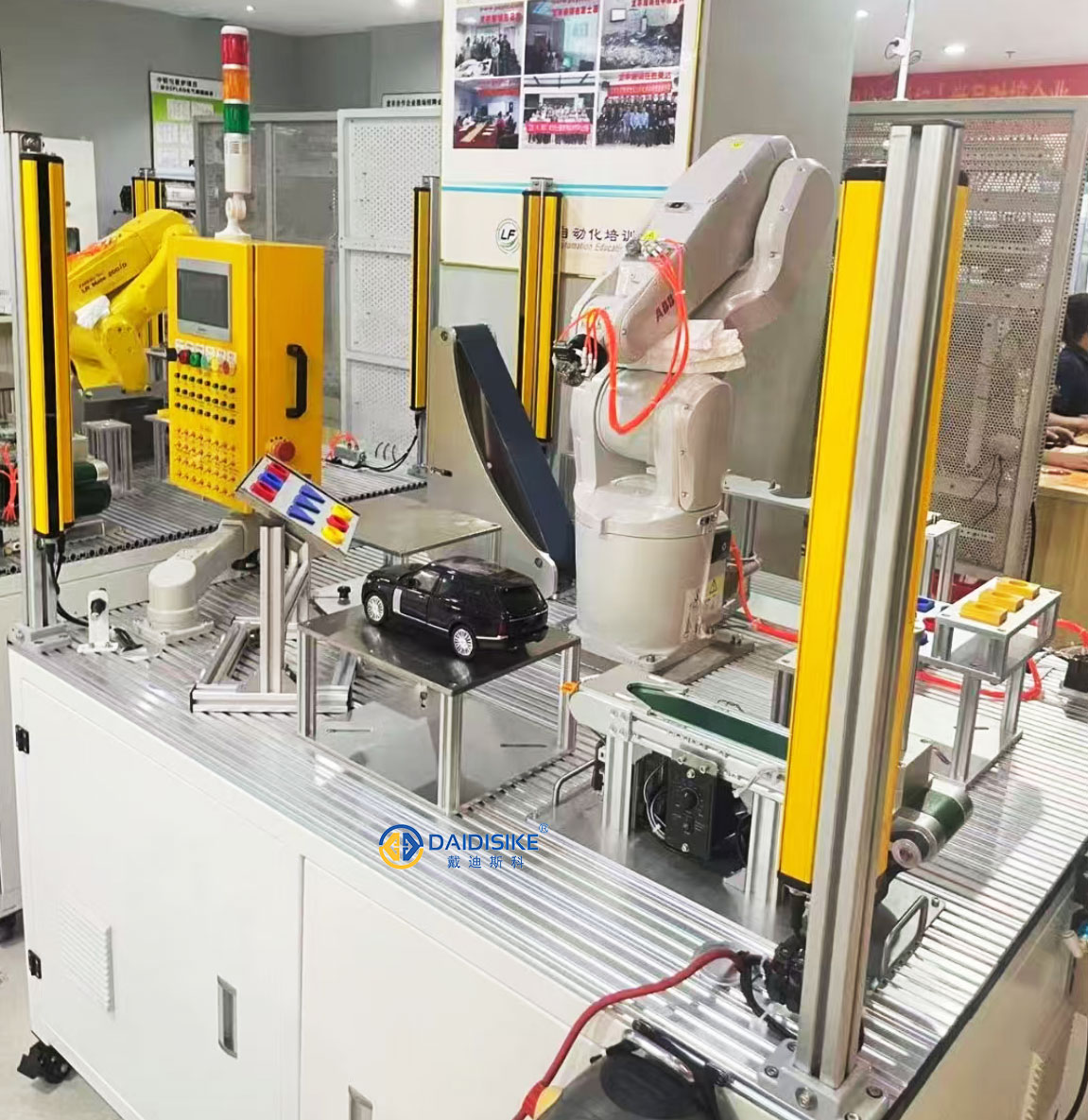
Infrared safety device near welding — note angled optics and matte shielding.Light curtain guarding with stable alignment and clean-lens policy.
4) Parameter Tuning for DAIDISIKE DQS
Applies to DAIDISIKE® DQS Punch Press Photoelectric Safety Guard Hand Protector (single-sided and double-sided). Keep safety performance first; do not mask a real hazard.
Parameter
Purpose
Recommended practice
Response time / filtering
Suppress micro-chatter from mist or vibration.
Start at 5–10 ms extra filtering. Validate that total stop time still meets your safety distance calculation per ISO 13855.
Sensitivity / gain
Compensate mild soiling without false trips.
Keep at factory default. If raised, pair with stricter cleaning and reflection control.
Alignment indicator
Quantify optical margin.
Aim for green / full-scale under real production lighting and speed. If amber / red appears intermittently, correct the environment first.
OSSD integration
Reliable stop command.
Wire to a safety relay or safety PLC input per CE / EN 61496-1 / -2 best practice; avoid sharing returns with inductive loads.
If you modify timing, update your risk-assessment file and re-run the functional test (Section 6).
5) Preventive Maintenance Plan (Templates You Can Reuse)
Task
Why
Frequency
Pass / Fail Criteria
Clean lenses (lint-free + neutral cleaner)
Restore optical margin in mist
Each shift (heavy mist) / daily (normal)
Indicator stable green; no haze
Bracket & fastener torque check
Prevent drift under vibration
Weekly; after die change
No movement under wiggle test
Alignment verification
Confirm beam parallelism
Weekly; after collision
Full-scale alignment markers
OSSD stop test (block test)
Prove stop-path integrity
Daily at start-up
Immediate stop; log time-stamp
Power-quality check (24 VDC)
Eliminate ripple-induced trips
Monthly
24 V ± 10 %, ripple < 200 mVpp
6) Functional Tests & Records (Audit-Ready)
Daily Block Test
With press in safe state, insert the test block through the beam window.
Verify OSSD opens and the machine issues a safe-stop signal.
Remove the block; confirm reset logic works per your SOP.
Log date / time, operator, result and any notes.
After Any Adjustment or Die Change
Repeat alignment and OSSD stop tests.
Update the safety distance if response timing was changed.
File photos of brackets and cable routing for traceability.
7) Quick FAQ
Q1. Oil mist still causes occasional trips after cleaning. What else helps? A. Add a gentle air knife across the lens, angle the optics 2–5° and fit matte shields near shiny edges. Then confirm power ripple < 200 mVpp.
Q2. Can I increase filtering a lot to stop nuisance trips? A. Keep it modest (5–10 ms). Any change must preserve the required safety distance per ISO 13855. Re-test and document.
Q3. Where should I bond the cable shield? A. Terminate the drain at the controller end only (single-point). Avoid daisy-chained returns with inductive loads.