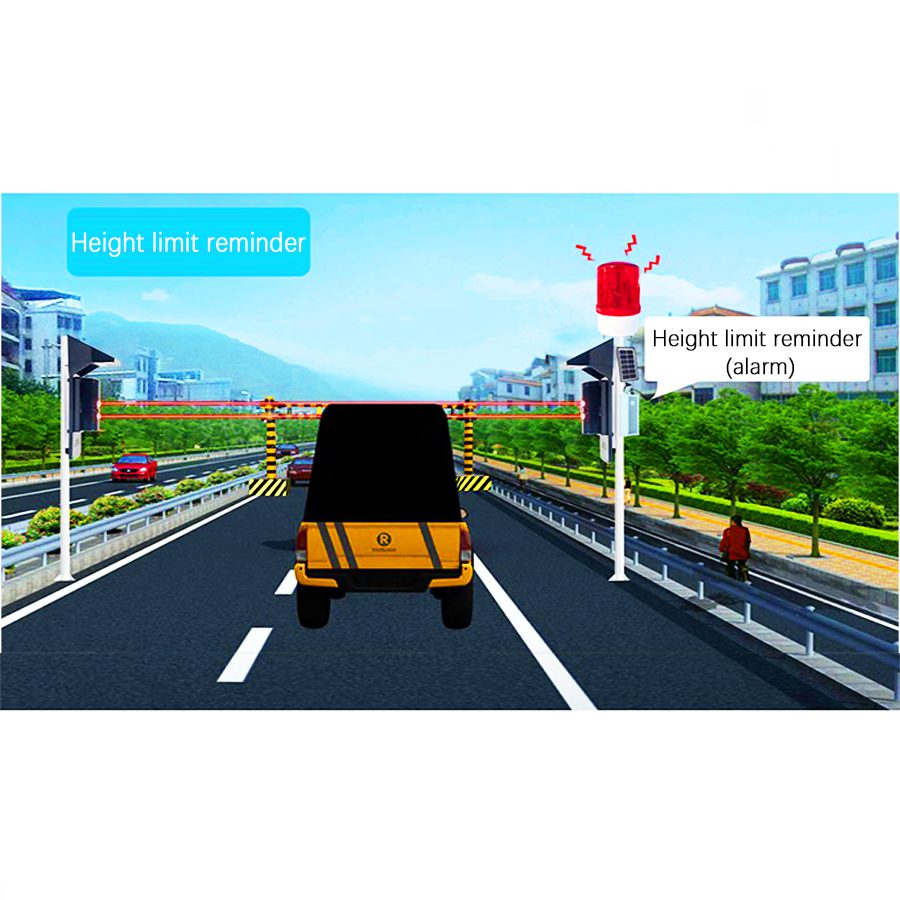
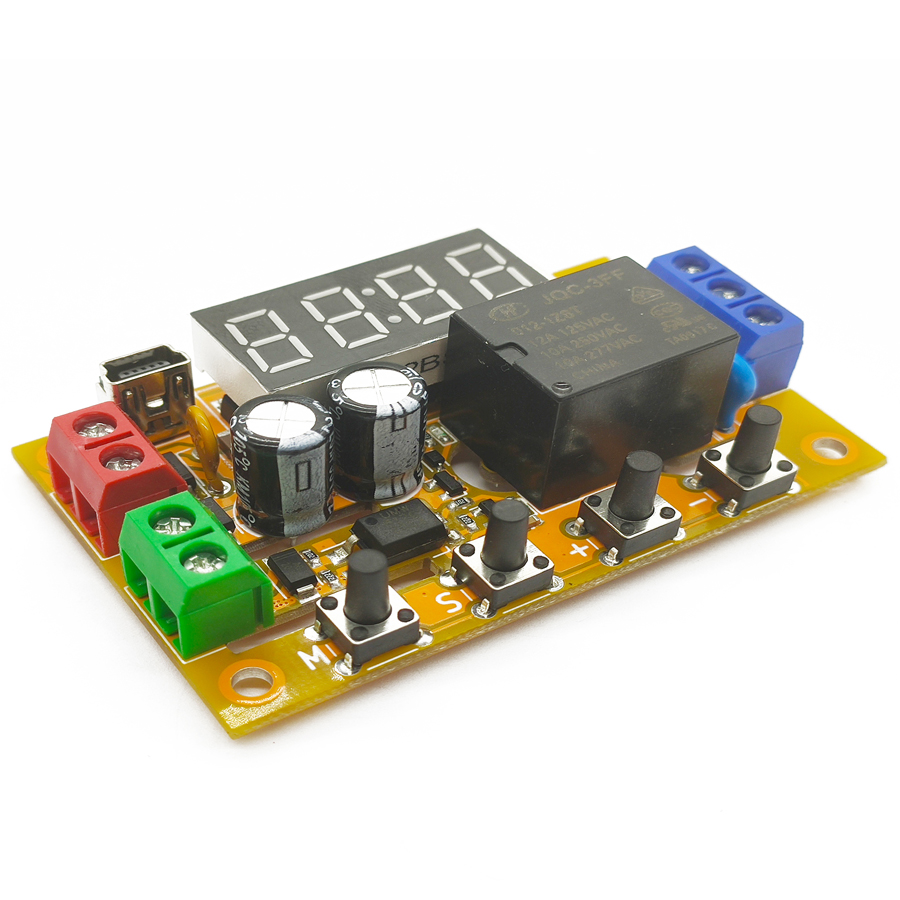
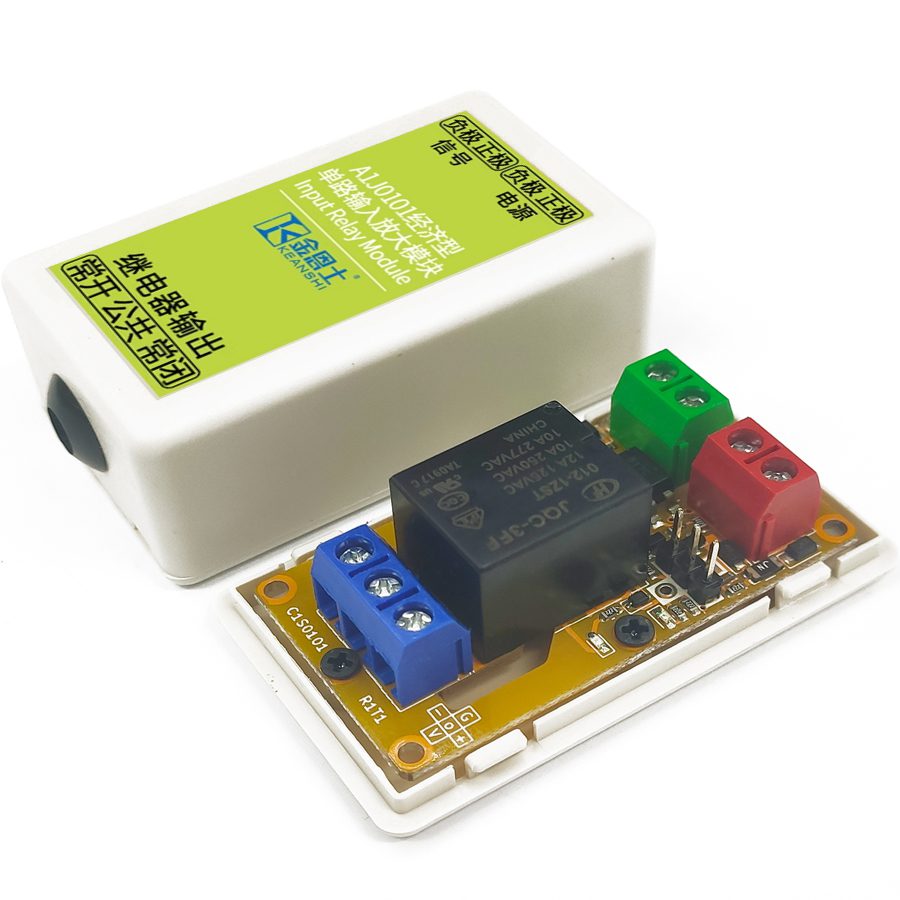
The program software adopts the shell technology. Some popular anti-virus software may have false alarm issues. Please add trust. This module is a multi-functional intelligent programmable delay module with a dedicated integrated circuit as the core. It has 2-18 non-isolated digital inputs (among which the low 8 channels can be reused as analog inputs) and 1-10 fully isolated digital outputs. Depending on the model, its output can be a relay or a transistor. Some models have real-time clock function and can trigger the module action at a fixed time point. Some models have wireless function and can be remotely triggered by a remote control.
Integrated Development Environment Features
High Usability
Simple and intuitive software interface, no configuration required, no professional training or knowledge needed for programmers, complex action sequences can be achieved by simply placing components and making connections.
High Economy
Fully integrated with commonly used peripherals for micro automation systems, components not needed for bulk orders can be left uninstalled, saving human resources for solution development and deployment.
High Flexibility
Multiple models available in the series, supports analog input and pulse width modulation output functions, supports relay output and transistor output.
High Reliability
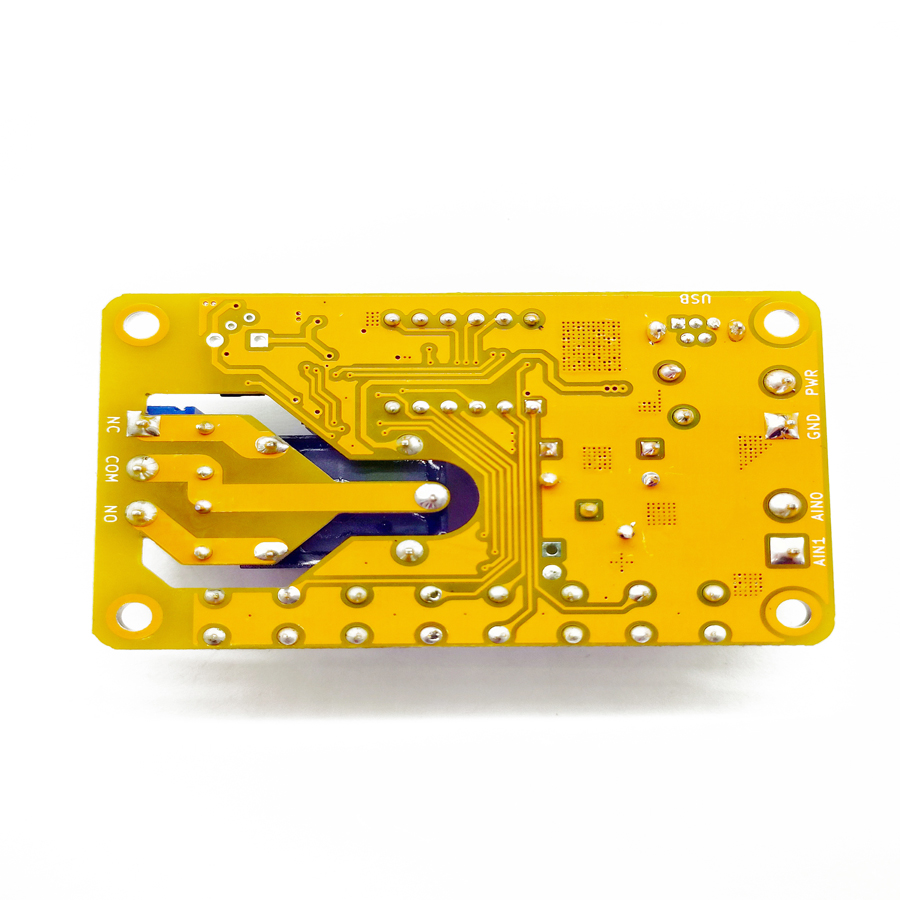
Output terminals can directly drive high current power loads, true industrial grade with tested 2000V EFT and 4000V ESD tolerance, power reverse connection, overcurrent and surge protection, printed circuit board high voltage side creepage distance slots strictly comply with safety regulations.
Introduction
The Integrated Development Environment (IDE) is a dedicated software for the E4J02 series of intelligent delay modules. These modules are equipped with built-in functions such as remote control encoding, real-time clock, and serial port configuration, which can significantly reduce the peripheral components of micro-automation systems, thereby providing a truly integrated solution. The E4J02 series intelligent delay modules read the input states based on the user's input schematic files and control the output states. User drawings can include various common functions such as timing, counting, voltage measurement, and pulse width modulation output, and communication with the host computer can be achieved through the RS-485 interface. This integrated development environment can be used in conjunction with the E4J02 series intelligent delay modules to build micro-automation systems for home, commercial, and industrial use, and it offers good usability and cost-effectiveness while enhancing reliability and reducing integration difficulty. The E4J02 series intelligent delay modules are the best alternatives to glue logic and single-chip microcontroller relay control boards; in some simple functional scenarios, they can even replace low-end Programmable Logic Controllers (PLCs).
For convenience, in the following text, we will refer to the six models B2J0404, B2J0405, E4J0202, E4J0203, E4J0204, and E4J0205 as "low-density modules", and the three models E4J0206, E4J0212, and E4J0218 as "high-density modules".
Introduction to MODBUS-ASCII Protocol
The content of each field in the MODBUS-ASCII protocol is exactly the same as that in the MODBUS-RTU protocol. The only difference is that ASCII requires instructions to be expressed in numeric characters. Additionally, the ASCII protocol requires a colon (:) at the beginning and a carriage return and line feed (\r\n, 0x0D 0x0A) at the end. The checksum used in the ASCII protocol is also different from that in the RTU protocol, being LRC checksum. Compared to the RTU protocol, the ASCII protocol is easier to read, write and program, but has a lower information density and poorer checksum reliability. Generally, it is only used in situations where compatibility with some older industrial control devices is required. This product can intelligently distinguish between ASCII commands and RTU commands, and they will not interfere with each other. Since the support for the ASCII protocol is an additional feature, the maximum character interval still follows the agreement of the RTU protocol [1]. The ASCII protocol is also not applicable to wireless functions and cannot utilize the host function of this product. The maximum length of the ASCII format supported by this product is 480 bytes; ASCII commands exceeding this length will be directly truncated. For detailed information on the ASCII format and LRC checksum, please refer to relevant materials. Here, we only provide a comparison example of the ASCII format and RTU format; it can be seen that the ASCII format is approximately twice as long as the RTU format.
Frequently Asked Questions
Is the E4J0206 micro PLC module a real replacement for a low-end PLC?
In simple functional scenarios, yes. The E4J0206 is a high-density intelligent programmable delay module with 2–18 non-isolated digital inputs and 1–10 fully isolated digital outputs, programmed with a schematic-based IDE. For timing, counting, voltage measurement and PWM tasks it replaces glue logic, microcontroller relay boards and low-end PLCs at lower cost.
How do I program the E4J0206 without PLC training?
It uses a schematic-based Integrated Development Environment instead of ladder logic. You build action sequences by placing components and drawing connections — no configuration, professional training or coding background is required. Timing, counting, analog measurement and pulse-width-modulation blocks are available on the canvas, then downloaded to the module over the serial interface.
Does the E4J0206 support MODBUS and RS-485?
Yes. It communicates over an RS-485 interface and supports both MODBUS-RTU and MODBUS-ASCII protocols, distinguishing the two automatically so they do not interfere. ASCII commands up to 480 bytes are accepted. RTU offers higher density and reliability; ASCII is easier to read and suits compatibility with older industrial control devices.
What is the difference between relay output and transistor output models?
Depending on the model, the E4J0206 output stage is either electromechanical relay or solid-state transistor. Relay outputs suit higher-current or mixed AC/DC loads with full isolation; transistor outputs switch faster and support PWM for DC loads. Outputs are fully isolated and can directly drive high-current power loads.
How rugged is the E4J0206 against electrical disturbance?
It is a true industrial-grade safety relay-style delay module, tested to 2000 V EFT and 4000 V ESD tolerance. It includes power reverse-connection, overcurrent and surge protection, and the high-voltage side of the PCB uses creepage-distance slots that comply with safety regulations, making it reliable on noisy factory floors.

.jpg)