
OSSD + EDM: DQC × Siemens S7-1200 Wiring (I/O Map, Reset & Commissioning)
A hands-on document for electrical engineers: correctly connect the dual-channel OSSD and EDM (External Device Monitoring) of a DQC safety light curtain to a Siemens S7-1200. Includes I/O mapping, reset strategies, oscilloscope/multimeter checkpoints, alignment & interference troubleshooting, commissioning checklist and templates, plus an SCL snippet.
1) OSSD / EDM principles & selection (PNP/NPN)
OSSD is a diagnostic safety output, typically two independent channels (OSSD1/OSSD2). Any channel fault, desynchronization, or beam interruption triggers a safe stop.
EDM (External Device Monitoring) supervises the external contactors/relays (K1/K2) to prevent reset if their contacts are welded or failed.
| Item | Requirement / Recommendation | Notes |
|---|---|---|
| Type | IEC 61496 Type 4 (PL e / SIL 3) | Commonly required for high-risk applications such as presses/press brakes |
| OSSD | Two independent channels | Detects short/open, channel mismatch, etc. |
| EDM | Strongly recommended | Monitors K1/K2 contact status to block unsafe reset |
| Polarity | Prefer PNP (sourcing) | L− on COM → PNP; L+ on COM → NPN. Match the S7-1200 DI module polarity |
| Safety distance | ISO 13855 calculator | S = K×T + C. Record in the as-built file |
2) Wiring Option A: PNP (sourcing, recommended)
Use when S7-1200 digital inputs are sourcing or the common is tied to L− (0 V). Wire the DQC Tx/Rx per the factory terminal map, route OSSD1/2 to S7-1200 inputs, and return EDM via the series NC contacts of K1/K2.
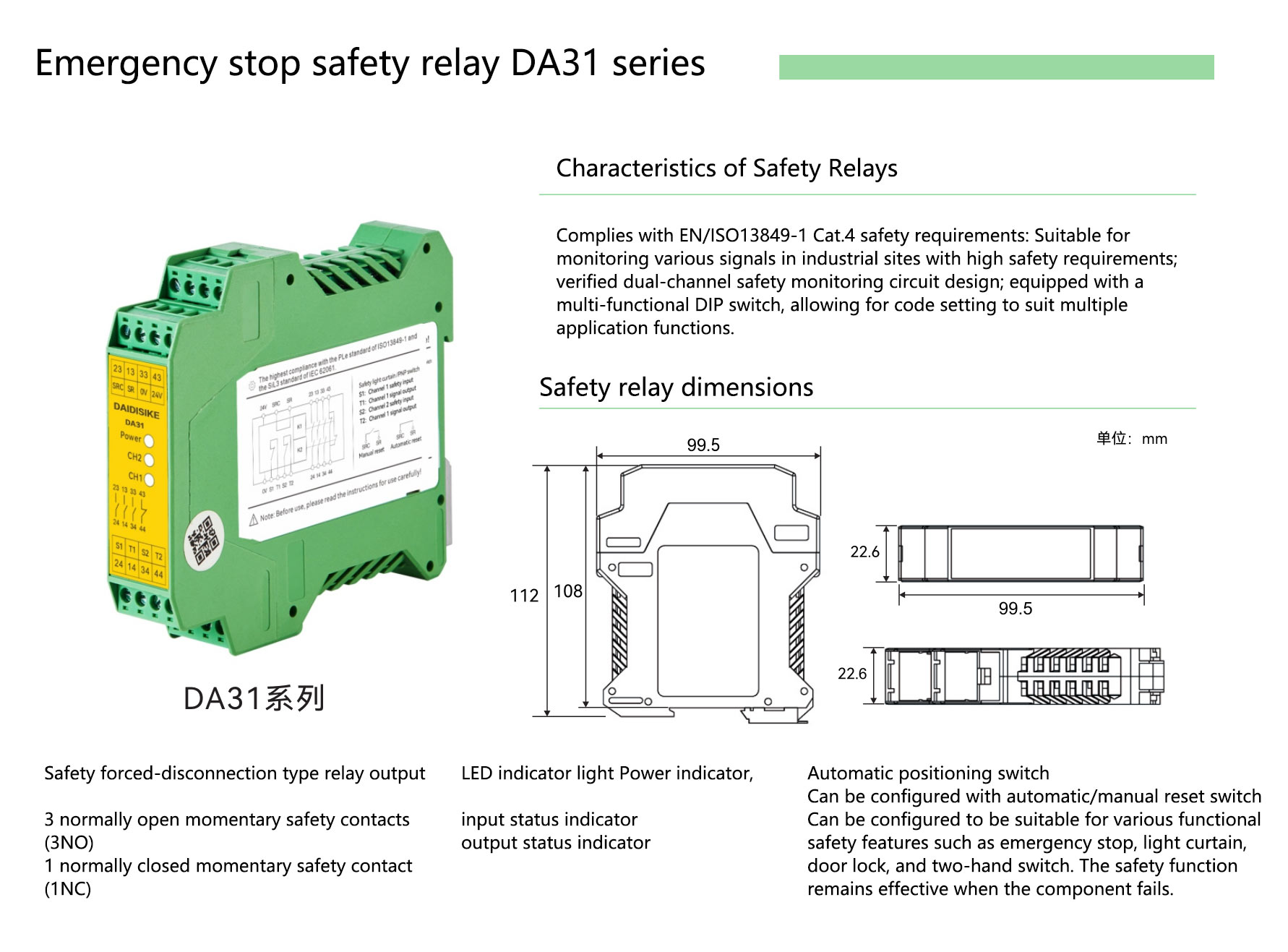
Key points
- Route OSSD1/OSSD2 as separate harnesses; do not share a protection fuse.
- EDM uses the NC contacts in series returning to the curtain.
- Use rising edge or two-stage reset to avoid unintended reset.
- Keep the 24 V sensor supply separate from drives with its own breaker.
Typical I/O (PNP)
| Signal | S7-1200 terminal | Description |
|---|---|---|
| OSSD1 | I0.0 (sourcing) | Safety output channel A |
| OSSD2 | I0.1 | Safety output channel B |
| EDM | I0.2 | External Device Monitoring feedback |
| Reset | I0.3 | Manual reset pushbutton (rising edge) |
| L+ / L− | Dedicated PSU | Shield drain grounded at one end |
3) Wiring Option B: NPN (sinking)
Use when the S7-1200 input common COM is tied to L+ (24 V). Logic is the same as PNP but polarity is inverted; mixing input types causes constant ON or false alarms.

4) I/O map & naming convention
Adopt a consistent naming scheme so technicians can audit quickly and reuse across projects. The table below can be copied as your I/O list (export to CSV if needed).
| Variable | Symbol / Address | Source | Purpose | Remarks |
|---|---|---|---|---|
| LC_OSSD_CH_A | I0.0 | DQC OSSD1 | Safety output channel A | PNP recommended |
| LC_OSSD_CH_B | I0.1 | DQC OSSD2 | Safety output channel B | Alarm on desync vs CH_A |
| LC_EDM_FB | I0.2 | K1/K2 NC | EDM feedback | Blocks reset on welded contacts |
| LC_RST_BTN | I0.3 | Pushbutton | Manual reset | Rising edge |
| LC_STATUS_OK | M100 | Logic | Light curtain OK | Internal bit |
| LC_INTERLOCK | M101 | Logic | Enable-to-start interlock | Used with machine start |
SCL example (portable to TIA Portal)
// Condition: both channels valid + EDM OK
IF I0.0 AND I0.1 AND I0.2 THEN
    M100 := TRUE;      // LC_STATUS_OK
ELSE
    M100 := FALSE;
END_IF;
// Manual reset (rising edge) while status is OK
IF R_TRIG(I0.3) AND M100 THEN
    M101 := TRUE;      // LC_INTERLOCK
END_IF;
// Auto-cancel interlock when status error occurs
IF NOT M100 THEN
    M101 := FALSE;
END_IF;
Note: R_TRIG() is a rising-edge FB; for a two-stage reset (double-action), add a time window and debouncing.
5) Reset strategies (manual / two-stage / rising edge)
- Mandatory manual reset: no auto-restart after the beam is cleared.
- Two-stage action: press → release → press again within 0.5–3 s to reduce accidental resets.
- Rising-edge detection: hold-to-reset is prohibited; edge-trigger avoids continuous reset.
- Ergonomics: the operator must clearly view the hazard zone before resetting.
6) Commissioning & self-test (scope/meter checkpoints)
- Polarity & earth: verify L+/L− and PE; ensure PNP/NPN matches DI polarity.
- Channel coherence: block/release beams and confirm OSSD1/OSSD2 change simultaneously; desync should alarm.
- EDM logic: mechanically hold a contactor—EDM must prevent reset.
- Reset validation: long-press ineffective; only rising edge or two-stage is accepted.
- Safety distance: calculate with ISO 13855 and file it.
- Capture points: record levels/waveforms at OSSD1, OSSD2, EDM, Reset.
Self-test record template (copy to CSV)
Item,Test,Expected,Actual,Result,Notes
1,OSSD1/OSSD2 beam block response,Both channels drop/alarm simultaneously,,,,
2,Desync alarm,Any channel delay → alarm,,,,
3,EDM welded-contact blocking,Hold K1/K2 → reset disabled,,,,
4,Reset strategy,Only rising edge / two-stage valid,,,,
5,Safety distance,Calculated & recorded by ISO 13855,,,,
6,Waveform/level captures,Saved to as-built file,,,,
7) Cabling & EMC (shielding / grounding / separation)
- Separate OSSD/EDM from power cables by ≥ 200 mm; avoid long parallel runs; cross at 90°.
- Terminate shields at the cabinet end with single-point grounding to avoid loops.
- Use a dedicated breaker for the 24 V sensor supply; keep it apart from drives.
- Use terminal numbers and wire markers consistent with drawings; place an I/O cheat-sheet on the cabinet door.
8) Alignment tips & interference troubleshooting
- Three-step alignment: maximize horizontally → maximize vertically → fine-tune/lock while watching input stability.
- Strong light/welding arc: add shrouds or filters; change incident angle; shorten range if necessary.
- Reflective parts: keep ≥ 300 mm from mirror-like surfaces; consider blanking bars.
- Mist/dust: choose IP65/67/69K units and set a cleaning schedule.
9) Downloads & tools
10) FAQ
Why prefer PNP? Can I use NPN?
It depends on the S7-1200 DI common: L− on COM → PNP; L+ on COM → NPN. Match polarity and keep channels independent. PNP is more common in industry.
Is EDM required?
Highly recommended. EDM monitors dangerous failures such as welded contactors and blocks reset, aligning with typical Type 4 / PL e requirements.
May the PLC cut the safety circuit directly?
No. S7-1200 is not a safety PLC. Use a safety relay/controller with contactors for the safety stop; the PLC handles monitoring and interlocks only.